Our users reported over 96% customer satisfaction for the last 10 years. Schedule a personal tour of our software to see how we can improve your business’s productivity.
GPS and Geofencing Controls That Protect Payroll Accuracy
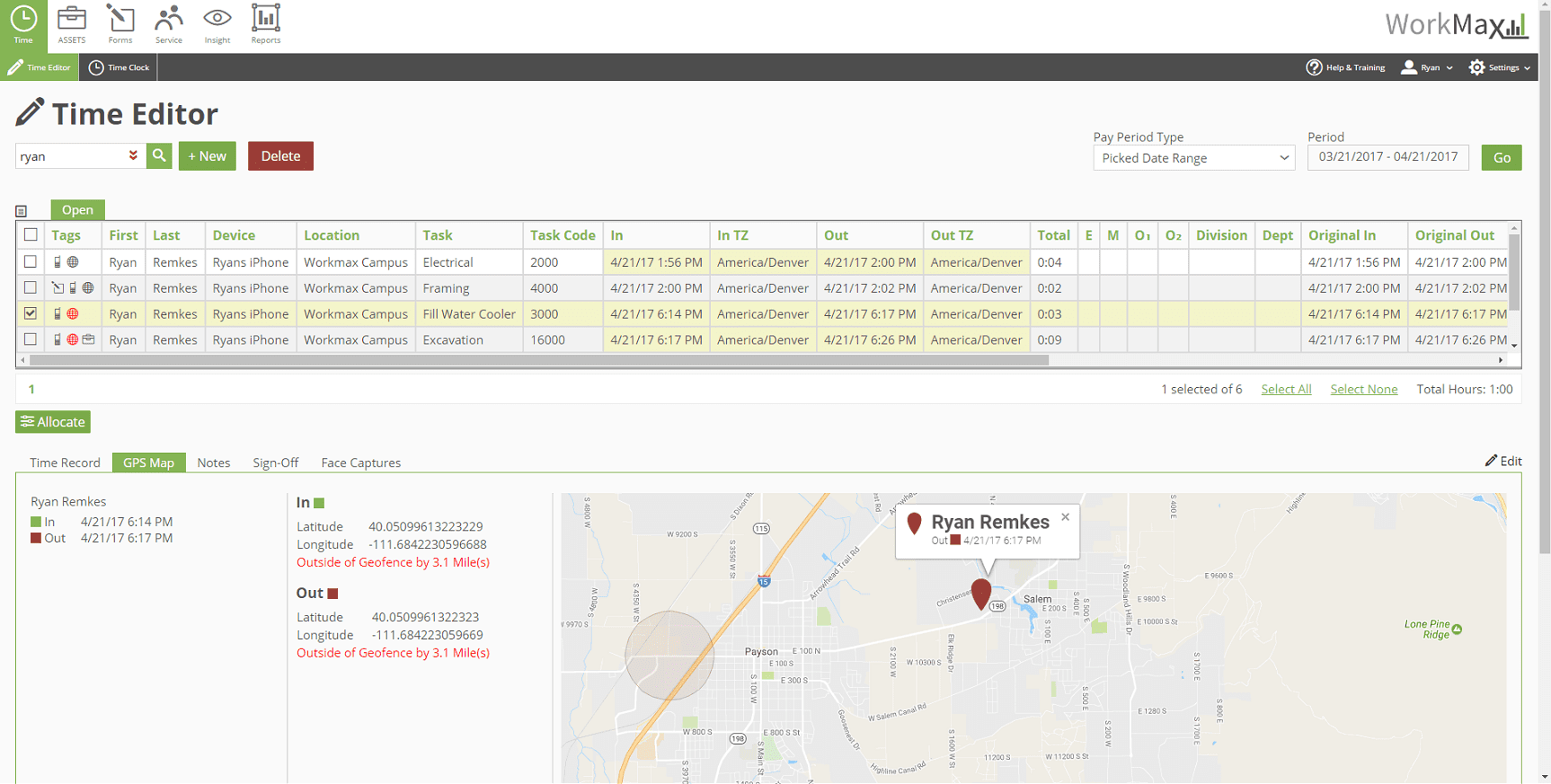
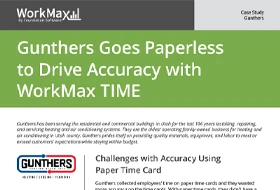
Manual timecards record when. WorkMax records when and where by attaching GPS time stamps to every clock in and clock out.
Real-Time Location Verification
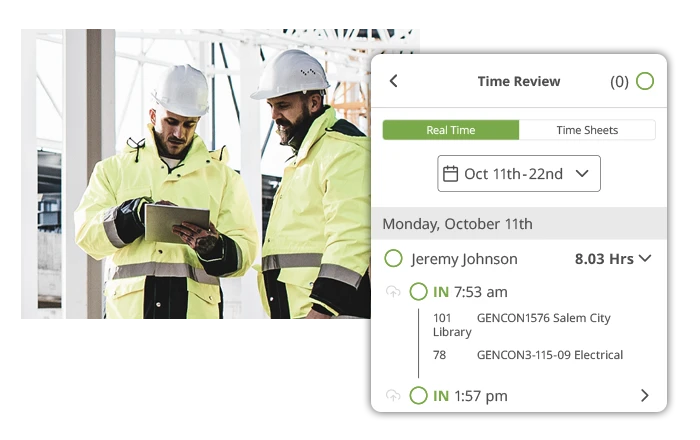
GPS coordinates are recorded at each clock event, creating a verifiable location record.
Geofencing Controls for Jobsite Clock Ins
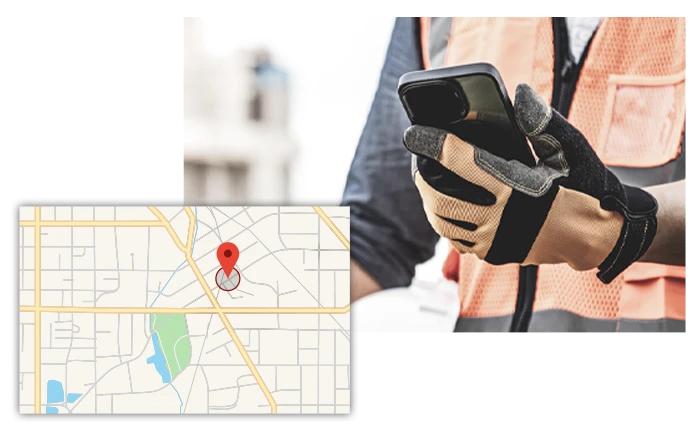
Use WorkMax to set geofences to restrict clock ins to approved work locations. Virtual jobsite boundaries help reduce time theft and improve payroll accuracy.
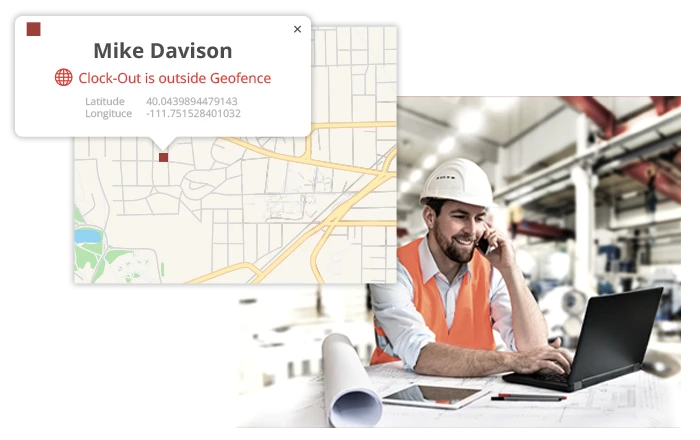
Automatic Alerts for Location Mismatches
WorkMax identifies potential location discrepancies before payroll processing begins. Records are flagged so supervisors can resolve issues quickly and maintain payroll accuracy.

Offline Time Capture With Automatic GPS Sync
WorkMax supports offline time capture when internet or cellular service is unavailable. Time and GPS data can sync once connectivity returns.
Know When. Know Where

Step 1: Clock In
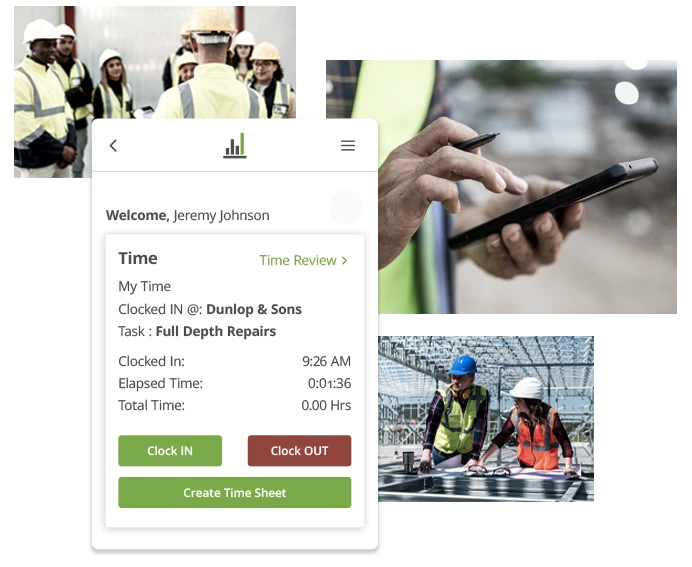
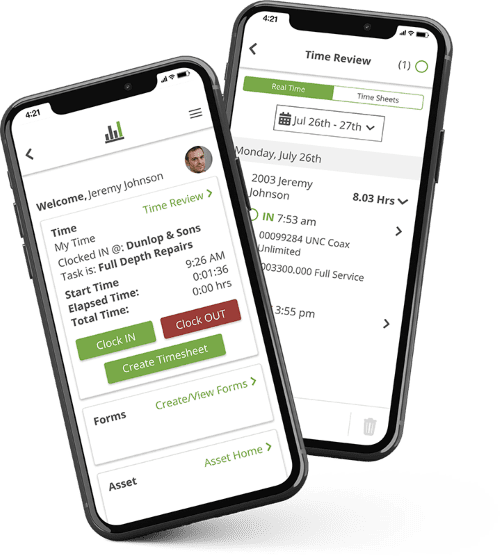
Employees clock in from the WorkMax App on their phone or tablet.

Step 2: GPS Captured
The app captures GPS coordinates at the moment of clock in.
Step 3: Timestamp Stored
Time and location are logged as one record.

Step 4: Approved
Supervisors can approve time in bulk at a glance.
Results of GPS Time Tracking In The Field
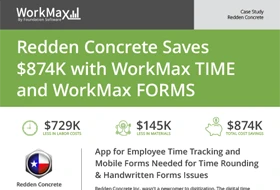
Redden
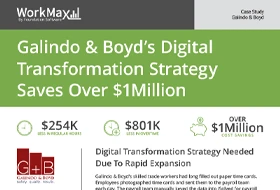
Galindo & Boyd
Gunthers
WorkMax Goes Wherever Your Crew Is
It doesn’t matter where you work or what you do, you’ll get accurate labor hours every time.
- Dispersed Crews — Confirm where time is recorded as employees move between tasks and projects throughout the day
- Low-Connectivity — Maintain accurate time and location records even when service is unreliable
- Seasonal Sites — Maintain consistent time standards as teams fluctuate during and after busy season
- Compliance Protection — Rely on a verifiable digital trail for audits and internal documentation
FAQs About GPS Time Tracking
What Is GPS Time Tracking Software?
GPS time tracking software records employee work hours while also capturing location data when employees clock in, clock out or switch tasks.
For construction companies, GPS time tracking software helps verify where time is recorded, improves payroll accuracy and provides a digital record of labor activity across jobsites.
What’s the Difference Between GPS and Geofencing?
GPS and geofencing work together but serve different purposes.
GPS time tracking records the location of a clock event using GPS coordinates, while geofencing creates a virtual boundary around a jobsite.
What Are the Benefits of a GPS Time Tracker?
A GPS time tracker helps construction companies improve workforce accountability and streamline time tracking processes.
Benefits include:
- Accurate jobsite time tracking records
- Fewer manual time corrections after submission
- Reduced time theft and buddy punching
- Real-time location verification
- Better visibility into labor activity across multiple jobsites
By combining time and location data, contractors can make more informed workforce and project decisions.
How Can I Use WorkMax’s GPS Time Tracking for Job Costs?
WorkMax GPS time tracking connects employee hours to specific jobs, tasks and locations, supporting more accurate job costing
Managers can review labor activity by project, verify where work was performed and gain better insight into labor costs. This helps improve reporting accuracy and supports more informed project management decisions.
Does the GPS Work Offline?
Yes. WorkMax TIME supports offline time capture for jobsites with limited or no cellular service.
Employees can continue recording time while offline, time and GPS data can sync when connectivity returns.
This helps ensure accurate records without requiring manual updates or data entry.
Check Out More Time Tracking Features
Biometric & Facial Recognition
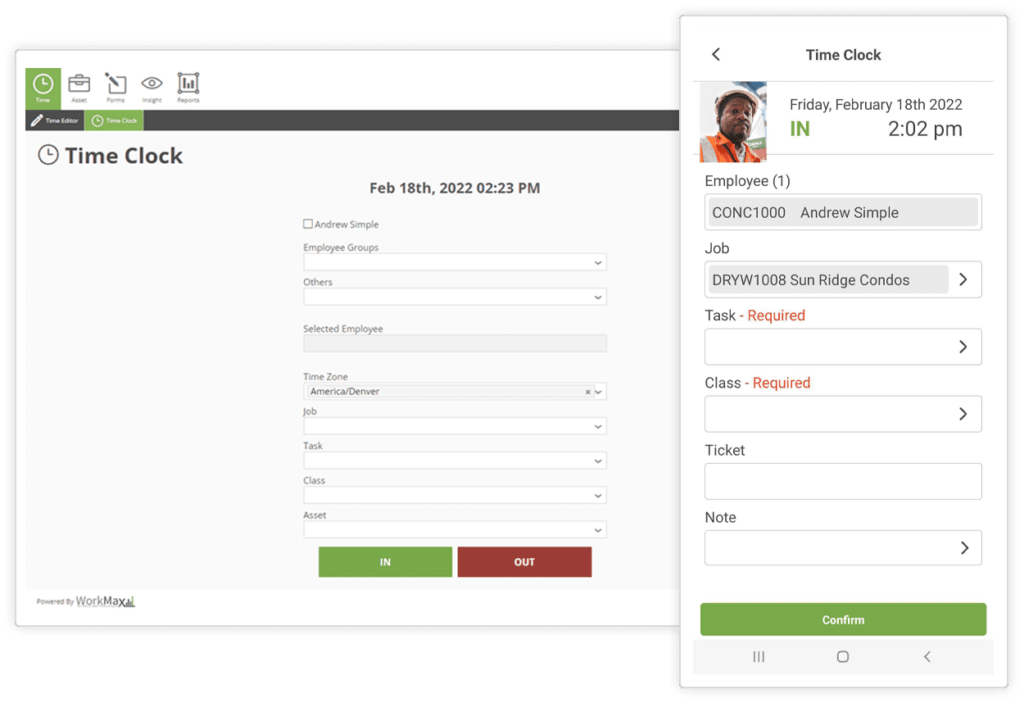
Kiosk Time Clock